Running a private cobalt media downloader instance on Kubernetes
cobalt is “a media downloader that doesn’t piss you off. it’s friendly, efficient, and doesn’t have ads, trackers, paywalls or other nonsense.” I mainly use it to download music from YouTube, but it supports a bunch of other services by default: BiliBili, Bluesky, Dailymotion, Facebook, Instagram, Loom, Ok, Pinterest, Newgrounds, Reddit, Rutube, Snapchat, SoundCloud, Streamable, TikTok, Tumblr, Twitch Clips, Twitter, Vimeo, vk, Xiaohongshu and YouTube.
cobalt works by having a webserver serve a static site at https://cobalt.tools/, which then sends all your download requests to either a default API instance or a custom instance. The API instance performs the download and some remuxing & transcoding, before providing the file for download to your browser.
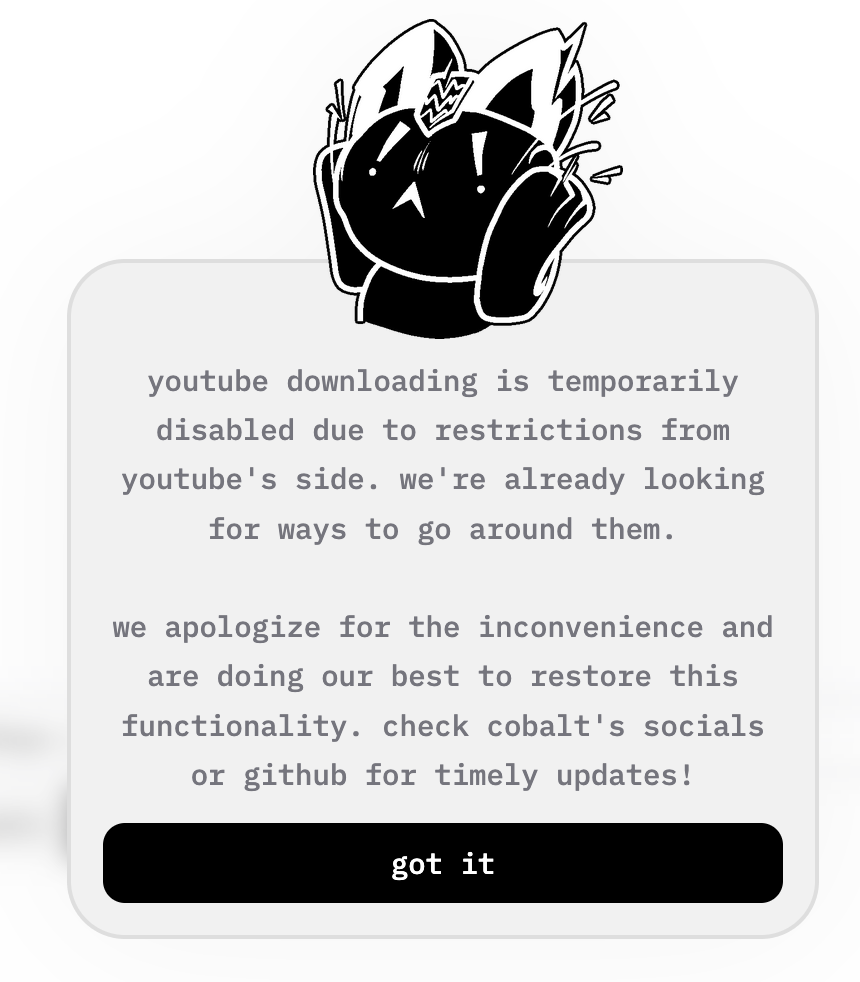
At the time of writing, YouTube has changed their systems to prevent botted/automated activity. Due to this, the main cobalt API instance has been unable to retrieve YouTube videos. Due to the high volume of download requests the main instance gets, it is likely that YouTube is looking at IPs that download a large number of videos within a short timeframe, without interacting with other components of the YouTube site, however that is just my theory.
In order to still be able to download the videos I wanted, I decided to spin up my own API instance, as that would not be impacted by the volume issues of the main instance. There is the added benefit of increased privacy, however that isn’t my primary concern.
To do this I created a deployment on my existing Kubernetes cluster and connected to it via Tailscale.
apiVersion: apps/v1
kind: Deployment
metadata:
    name: cobalt
spec:
    replicas: 3
    selector:
        matchLabels:
            app: cobalt
    template:
        metadata:
            labels:
                app: cobalt
        spec:
            containers:
              - name: cobalt
                image: ghcr.io/imputnet/cobalt:11
                securityContext:
                    readOnlyRootFilesystem: true
                resources:
                    requests:
                        cpu: "100m"
                        memory: "128Mi"
                    limits:
                        cpu: "500m"
                        memory: "512Mi"
                env:
                  - name: API_URL
                    value: "https://cobalt.<tailnet-domain>"
                ports:
                - containerPort: 9000
---
apiVersion: v1
kind: Service
metadata:
    name: cobalt-svc
spec:
    selector:
        app: cobalt
    ports:
        - protocol: TCP
          port: 9000
          targetPort: 9000
    type: LoadBalancer
---
apiVersion: networking.k8s.io/v1
kind: Ingress
metadata:
    name: cobalt-tailscale
    annotations:
        tailscale.com/hostname: "cobalt"
spec:
    ingressClassName: tailscale
    rules:
      - host: cobalt
        http:
          paths:
            - path: /
              pathType: Prefix
              backend:
                service:
                  name: cobalt-svc
                  port:
                    number: 9000
    tls:
        - hosts:
            - cobalt
Gotchas:
- You must be able to connect to the instance using HTTPS and not HTTP. This is due to cobalt.tools enforcing HSTS and modern browsers not allowing mixed content, which simply means you cannot request/load HTTP resources (e.g. an API endpoint) while on a site loaded using HTTPS. This is so you can’t downgrade the security of the transport being used.

- The default cobalt container image does not support HTTPS by default. This means we have to provide our own certificate and secure connection layer. I used my existing Tailscale set up to provide this, via the Tailscale Ingress. An alternative setup would be to use NGINX/Caddy (or similar reverse proxy) and a free Let’s Encrypt certificate. Note that both of these setups will create a public record of the service that you are issuing the certificate for. Specifically the domain name will be public.
If you have any questions or notice any issues or errors, please email me at george@muscat.sh.